Owner's Manual — page 66 of 201 (printed page 64)
GENERAL INFORMATION
Text on this page
64 GENERAL INFORMATION

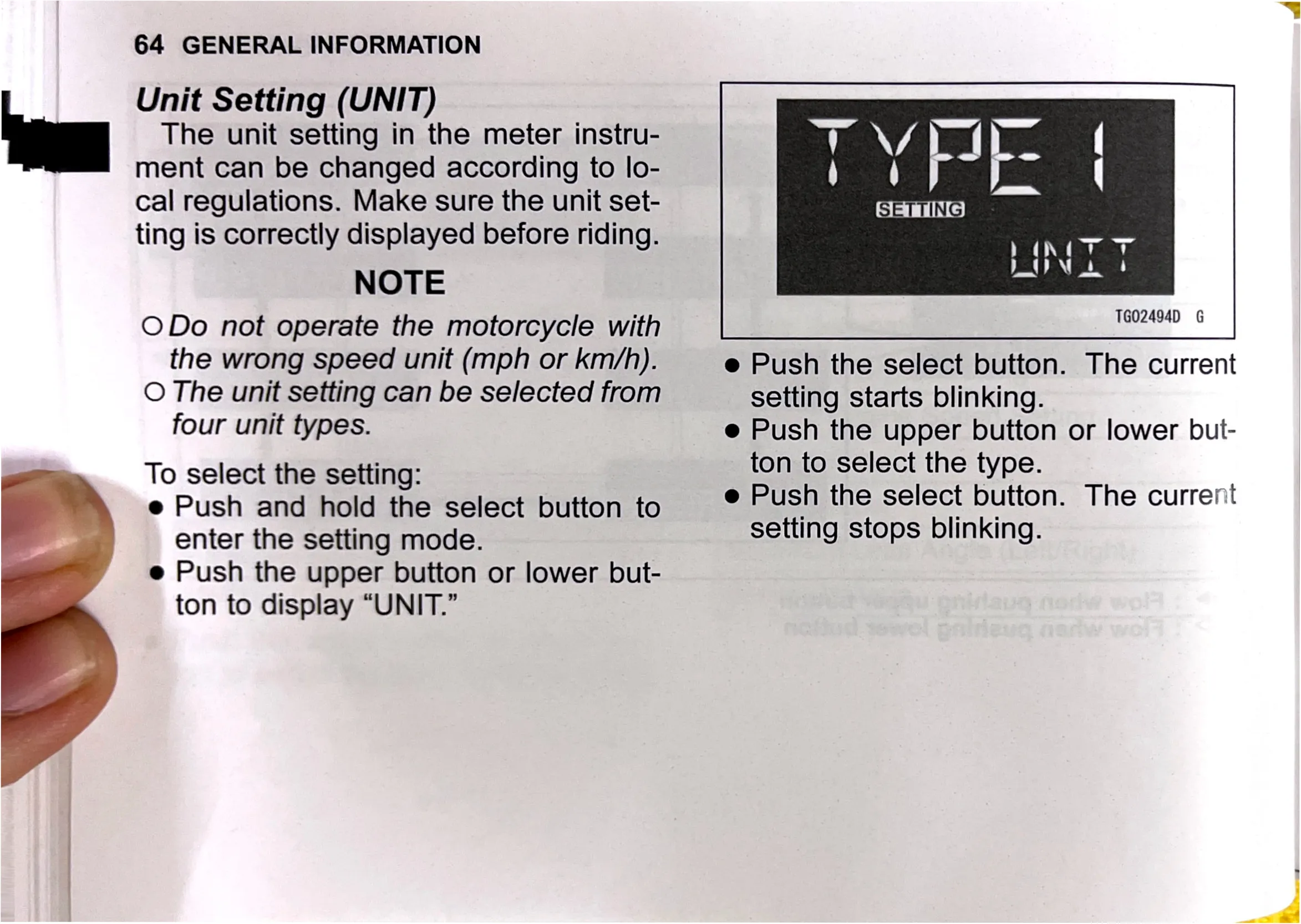
Unit Setting (UNIT)
The unit setting in the meter instru-
ment can be changed according to lo-

cal regulations. Make sure the unit set-
ting is correctly displayed before riding.

NOTE

ODo not operate the motorcycle with
the wrong speed unit (mph or km/h).

O The unit setting can be selected from
four unit types.

To select the setting:

e Push and hold the select button to
enter the setting mode.

e Push the upper button or lower but-
ton to display “UNIT.”

TG02494D G

e Push the select button. The current
setting starts blinking.

e Push the upper button or lower but-
ton to select the type.

e Push the select button. The current
setting stops blinking.