Service Manual — page 628 of 715
Electrical System › Meter Operation Inspection
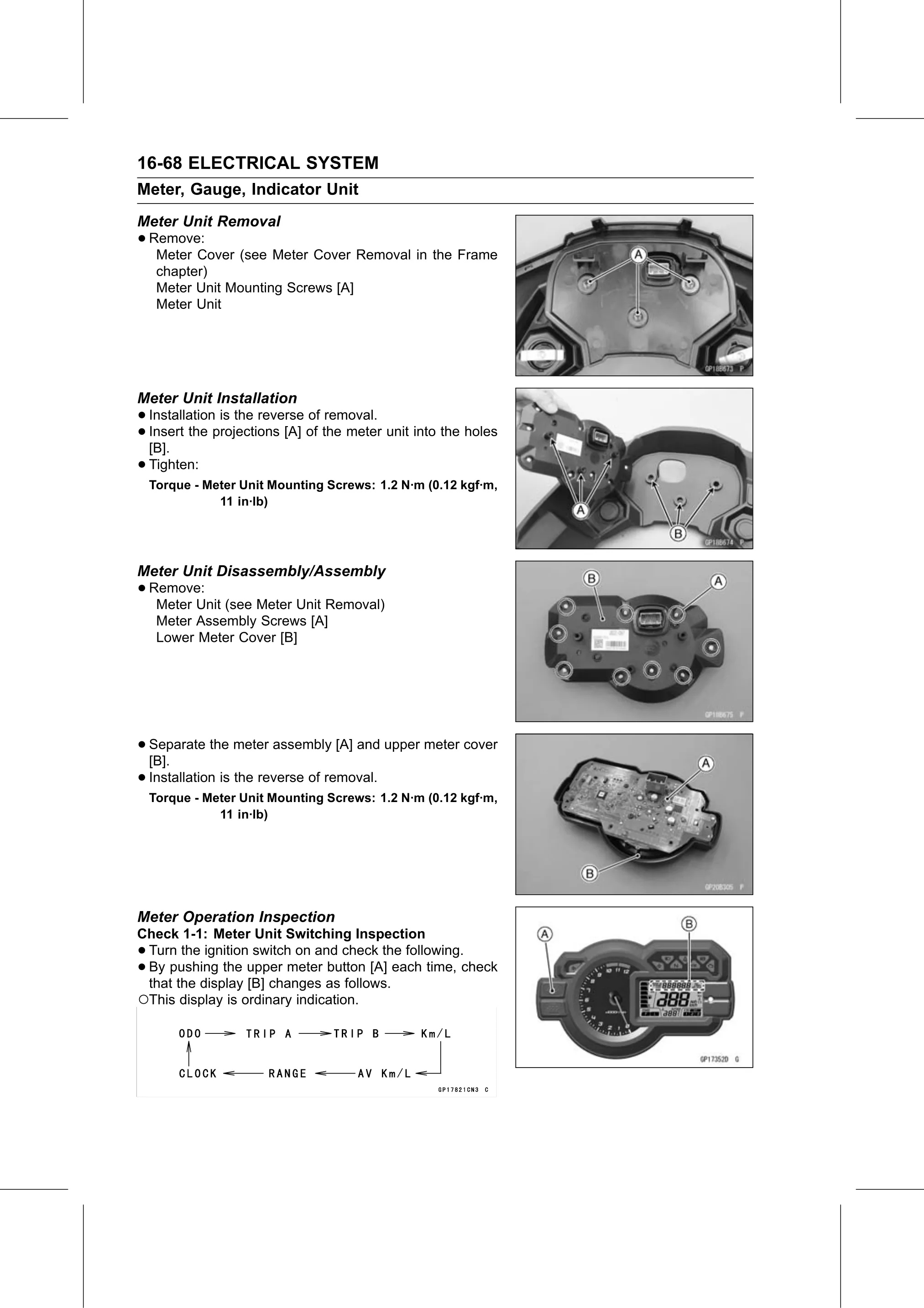
Text on this page
16-68 ELECTRICAL SYSTEM
Meter, Gauge, Indicator Unit
Meter Unit Removal
• Remove:
   Meter Cover (see Meter Cover Removal in the Frame
     chapter)
     Meter Unit Mounting Screws [A]
     Meter Unit

Meter Unit Installation
• Installation is the reverse of removal.
• Insert
  [B].
         the projections [A] of the meter unit into the holes

• Tighten:
    Torque - Meter Unit Mounting Screws: 1.2 N·m (0.12 kgf·m,
               11 in·lb)

Meter Unit Disassembly/Assembly
• Remove:
   Meter Unit (see Meter Unit Removal)
     Meter Assembly Screws [A]
     Lower Meter Cover [B]

• Separate
  [B].
             the meter assembly [A] and upper meter cover

• Installation is the reverse of removal.
    Torque - Meter Unit Mounting Screws: 1.2 N·m (0.12 kgf·m,
               11 in·lb)

Meter Operation Inspection
Check 1-1: Meter Unit Switching Inspection
•Turn the ignition switch on and check the following.
•By pushing the upper meter button [A] each time, check
 that the display [B] changes as follows.
○This display is ordinary indication.